

Listen for stage changes
PassonEvent to BrandConnect.init to hear about the merchant’s stage. It fires when the plugin loads and whenever the stage changes:
stage is one of install, plan, setting_up, delayed, consent, or live. This is the only event. It never includes personal information. You don’t need it for the plugin to work.
Install
The store doesn’t have the Branduo Shopify app yet. The plugin explains how cross-promotion works and links to Install Branduo on Shopify.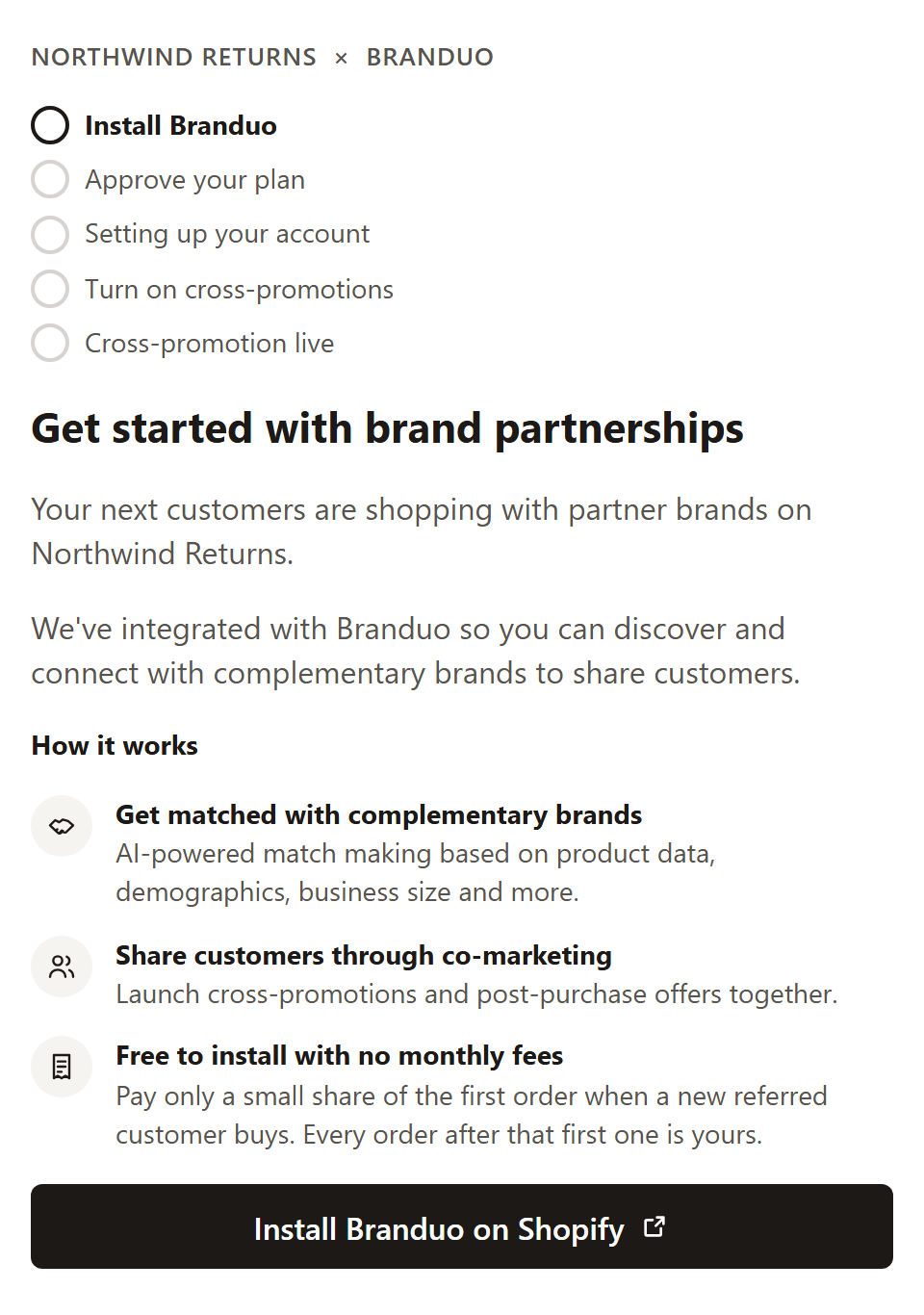
Plan
The app is installed, but the merchant hasn’t approved their Branduo plan in Shopify. Approve plan opens Shopify’s plan page. There are no monthly fees: Branduo takes a small share of the first order from each new customer a partner refers.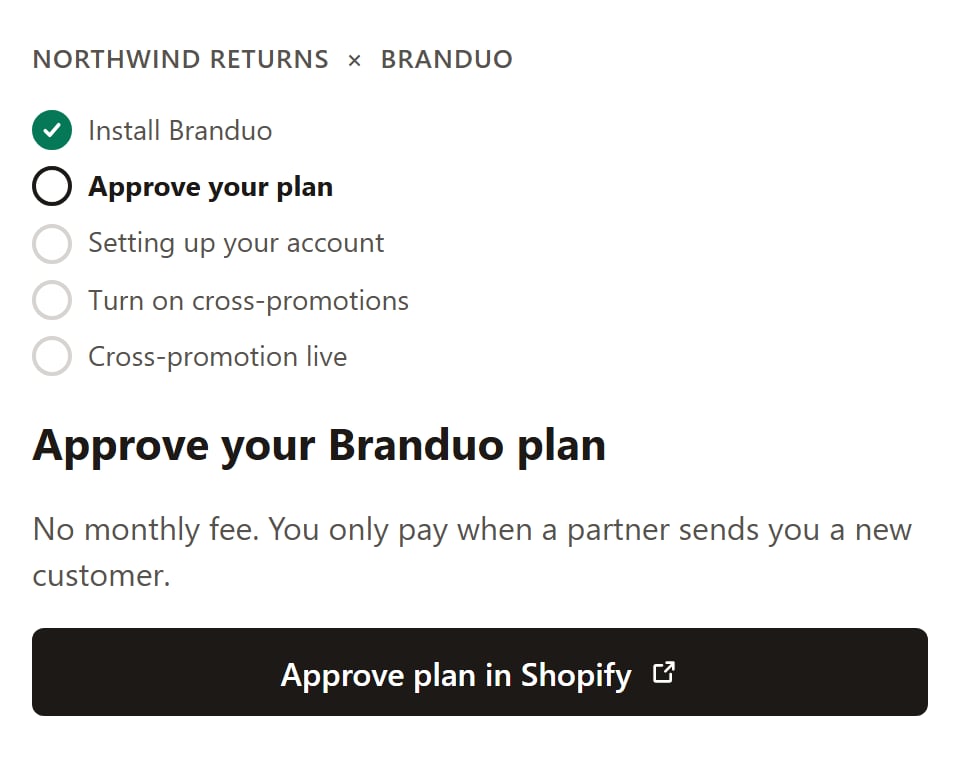
Setting up
Branduo is importing the store, building the merchant’s offer from their best sellers, and finding brands that fit. This usually takes a minute or two. The plugin checks progress on its own and moves on when setup finishes.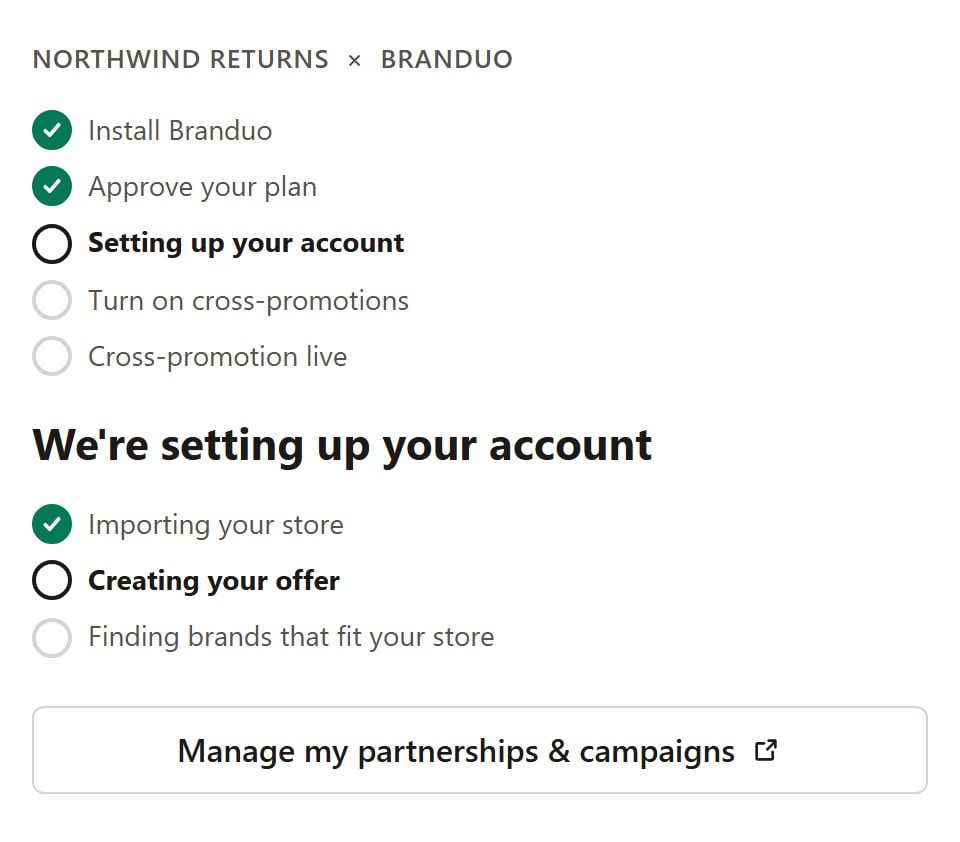
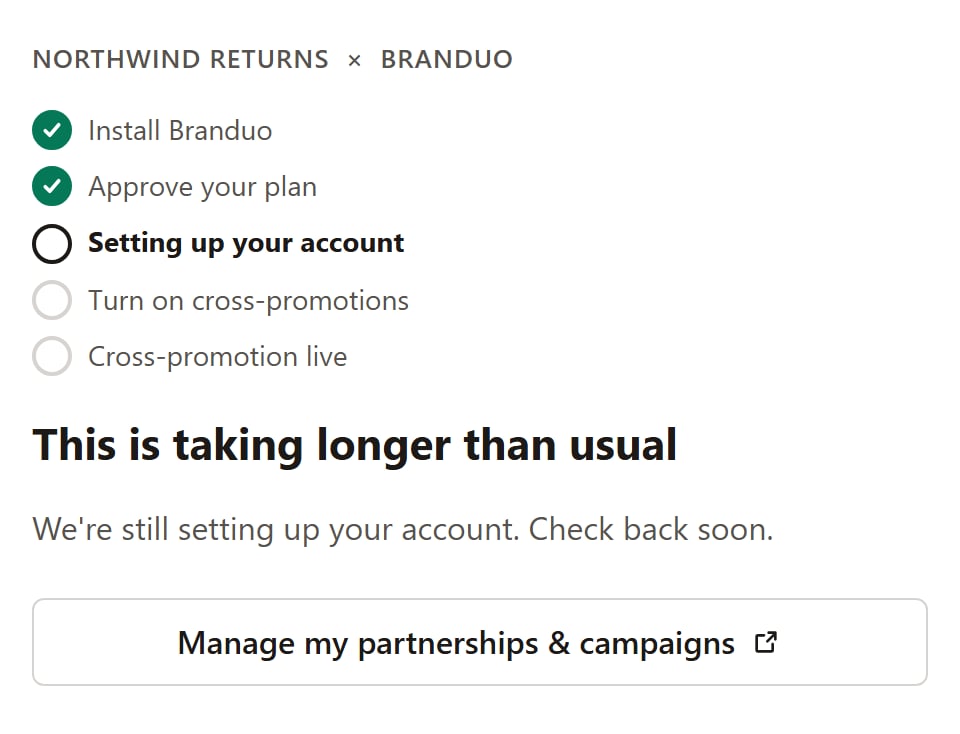
delayed and the plugin tells the merchant it’s still working. Branduo keeps retrying in the background.
Consent
Setup is done. The merchant sees a preview of their offer as shoppers at partner brands will see it: their logo, a tagline, up to three best sellers, and the discount. They choose the discount for new customers (10%, 15%, 20%, or 25%), then select Turn on cross-promotions. Doing so accepts the Terms and Privacy Policy.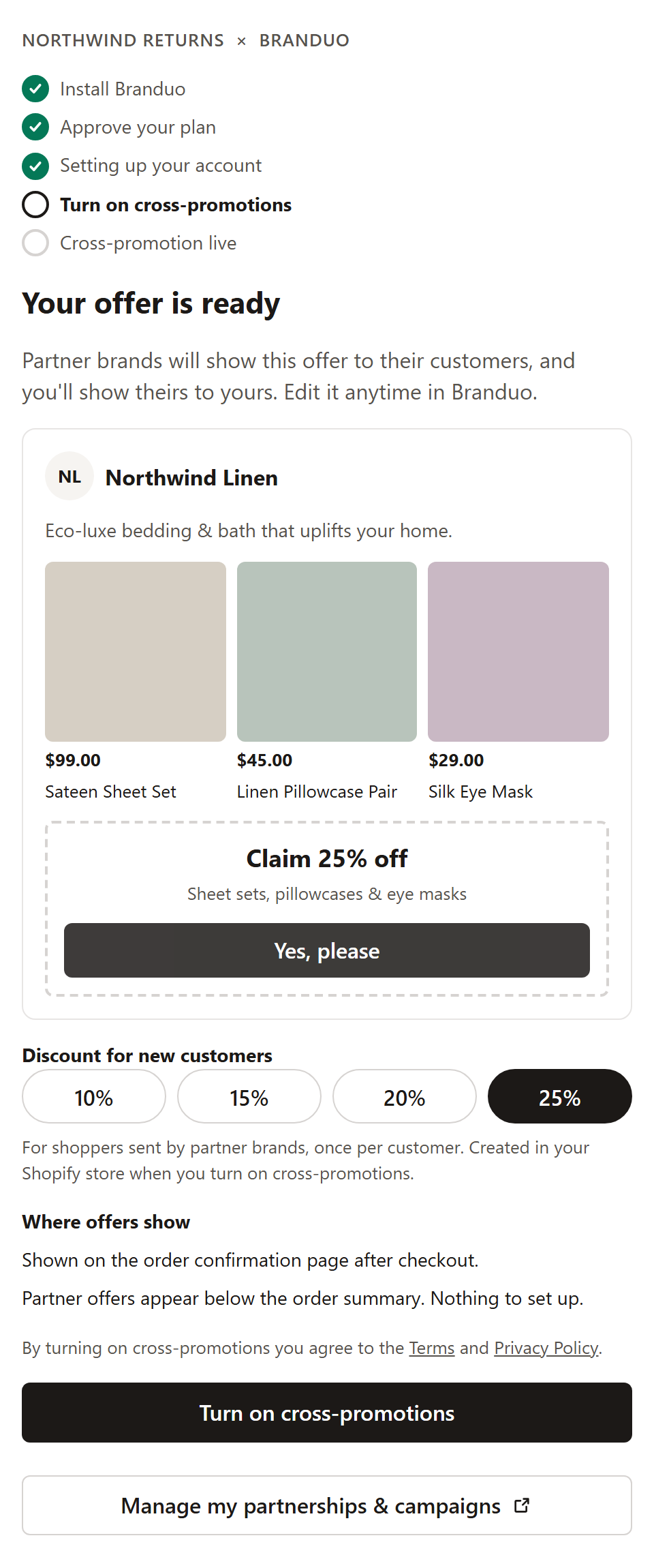
Live
Cross-promotion is on. The merchant sees their live offer and a link to manage partnerships and campaigns in Branduo.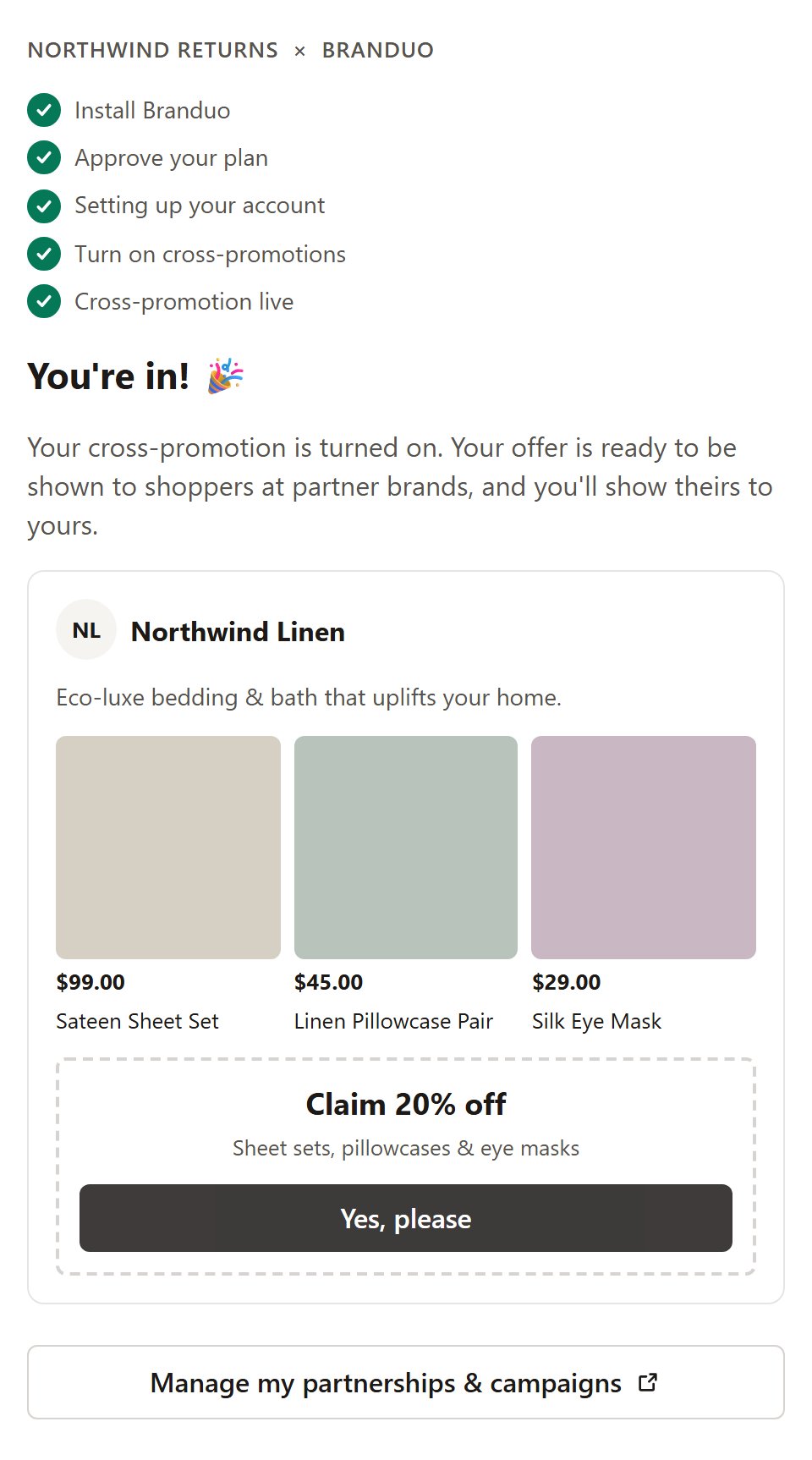
live when they open yours. They never consent twice.
Messages instead of a stage
Sometimes the plugin shows a message instead of a stage. In these cases,onEvent isn’t called.
See Troubleshooting for setup problems on your side.